
While complex passwords may help deter cybercriminals, they can still be cracked. According to telecommunications company Verizon, an estimated 80% of hacking-related data breaches involve stolen credentials. With these findings in mind, it’s clear that passwords alone aren’t enough to protect your workplace accounts.
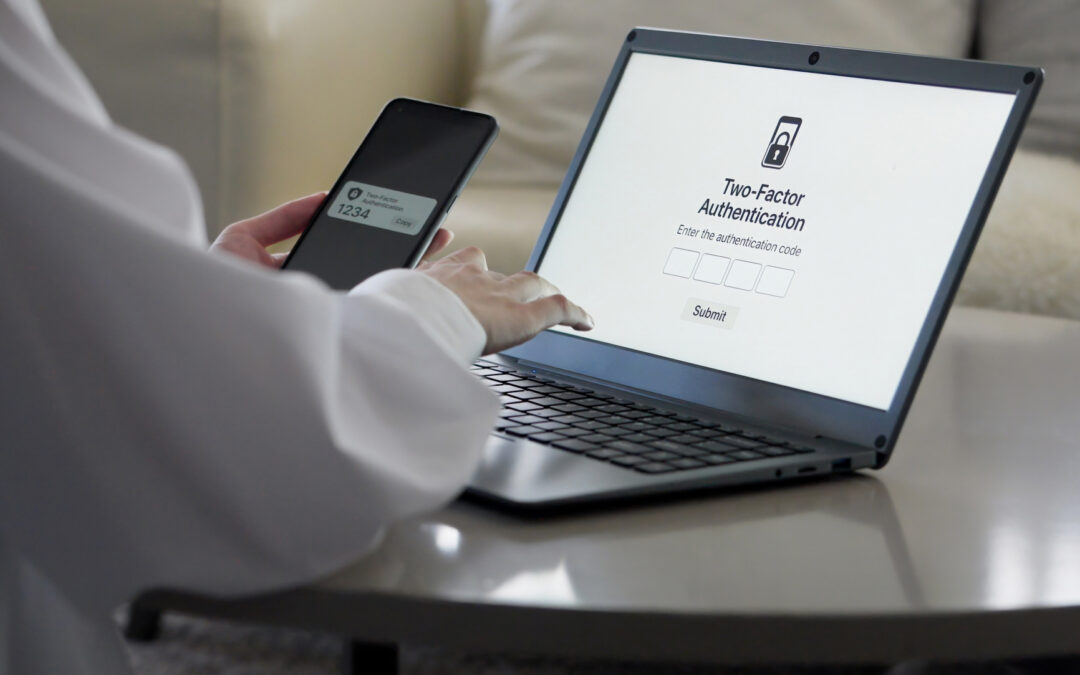
Fortunately, that’s where multifactor authentication (MFA) can help. MFA is a layered approach to securing data and applications, in which a system requires a user to present a combination of two or more credentials to verify their identity during login. This article provides more information on MFA, explains how it protects you and your employer, and offers related best practices.
Multifactor Authentication Overview
Through MFA, employees must confirm their identities by providing extra information, such as a phone number, biometric data or one-time security code, in addition to their passwords when attempting to access sensitive corporate information and infrastructure. Companies generally require MFA for remote access to their networks, for the administrative functions within their networks and for any enterprise-level cloud applications.
With this method, it’s not enough to just have your username and password. In order to log in to a workplace account, you’ll need another “factor” to verify your identity, similar to needing both a key and an identification badge to gain physical access to a corporate building. This additional login hurdle means that cybercriminals won’t be able to easily unlock your account, even if they have your compromised credentials in hand.
Key Protections of Multifactor Authentication
Although proper password management can prove beneficial, stolen credentials remain a common and pervasive cybersecurity threat. Even the most sophisticated passwords can be stolen, whether via brute-force techniques or advanced phishing scams. In these instances, all it takes is one compromised account to expose the entire company, potentially resulting in devastating and disruptive cyberattacks (e.g., account takeovers, data breaches or ransomware incidents).
Without MFA in place, you could be leaving personal information and sensitive projects stored on your workplace accounts, as well as your employer’s larger corporate systems, vulnerable to cybercriminals. Using this method can help halt these hackers in their tracks, safeguarding both you and the company.
While MFA may seem like a tedious or unnecessary step in the login process, it’s well worth it to avoid potential cybersecurity incidents. Technology company Microsoft confirmed that MFA can block over 99% of automated and bulk account compromise attacks, demonstrating its effectiveness.
Best Practices
When leveraging MFA at work, remember the following guidelines:
- Use approved methods. Adhere to company policies and any related documentation on how to set up MFA services across your workplace accounts. Use only approved methods, whether it’s a mobile authenticator application, biometric scanner, text messaging system or hardware key.
- Pay attention to prompts. Be prepared to comply with MFA prompts when logging in to your workplace accounts (e.g., “enter the unique code sent to your device” or “use facial recognition to approve login attempt”), as these prompts must usually be completed within a brief time frame. However, never follow or approve prompts you didn’t initiate.
- Report suspicious activity. If you receive unexpected MFA requests, unusual prompts or other login problems, report them immediately.
We Can Help
Cybersecurity can be challenging, but you don’t have to navigate it alone. If you’d like additional information and resources, we’re here to help you analyze your needs and make the right coverage decisions to protect your operations from unnecessary risk. You can download a free copy of our eBook, or if you’re ready to make Cyber Liability Insurance a part of your insurance portfolio, Request a Proposal or download our Cyber & Data Breach Insurance Application and we’ll get to work for you.